Share & collaborate—with more control over access
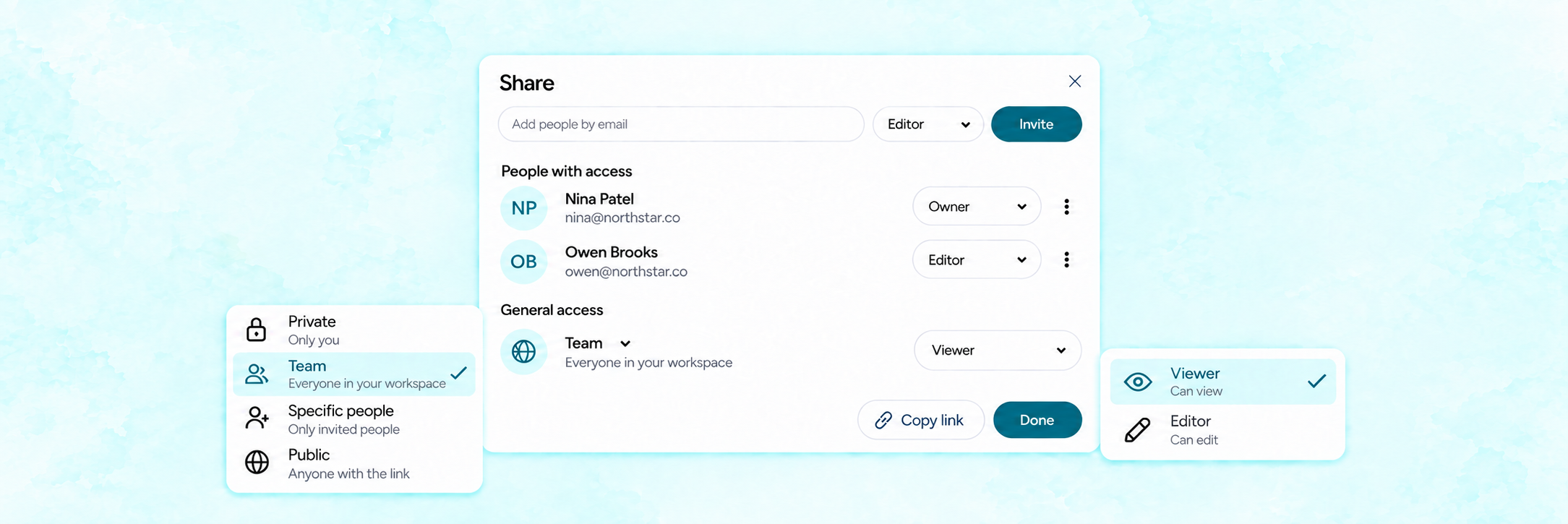
Reports, dashboards, agents, chats, and projects can now be shared with the right level of access—whether you’re collaborating with your team, inviting specific people, or sharing work more broadly.
→ Choose who can access it: Keep your work Private, share it with your entire Team, make it available Publicly, or restrict access to specific people only.
→ Decide what people can do: Assign Viewer access when someone only needs to review the work, or Editor access when they should be able to contribute and make changes.
→ Change access when needed: Update the sharing level or permissions as your project evolves, without creating a separate copy or starting over.
This gives you one consistent way to manage sharing and collaboration across GoMarble.